WinBar
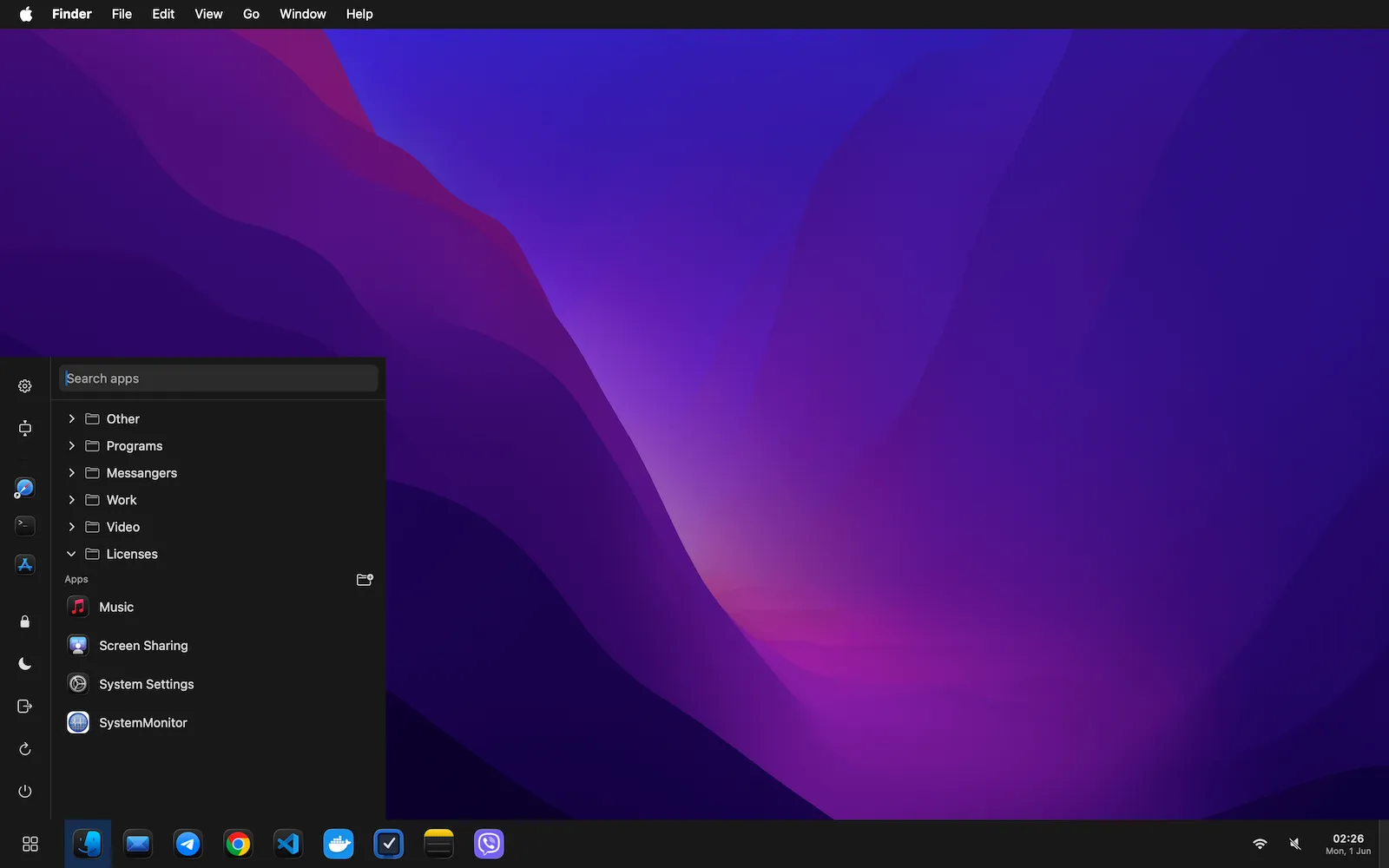
WinBar replaces the Dock with a Windows-style taskbar: pinned and running apps, a Start menu with search and custom folders, a system tray, and window management.
Free 14-day trial · macOS 13 Ventura or later · v1.0.2
Everything the Dock isn’t
Pinned & running apps
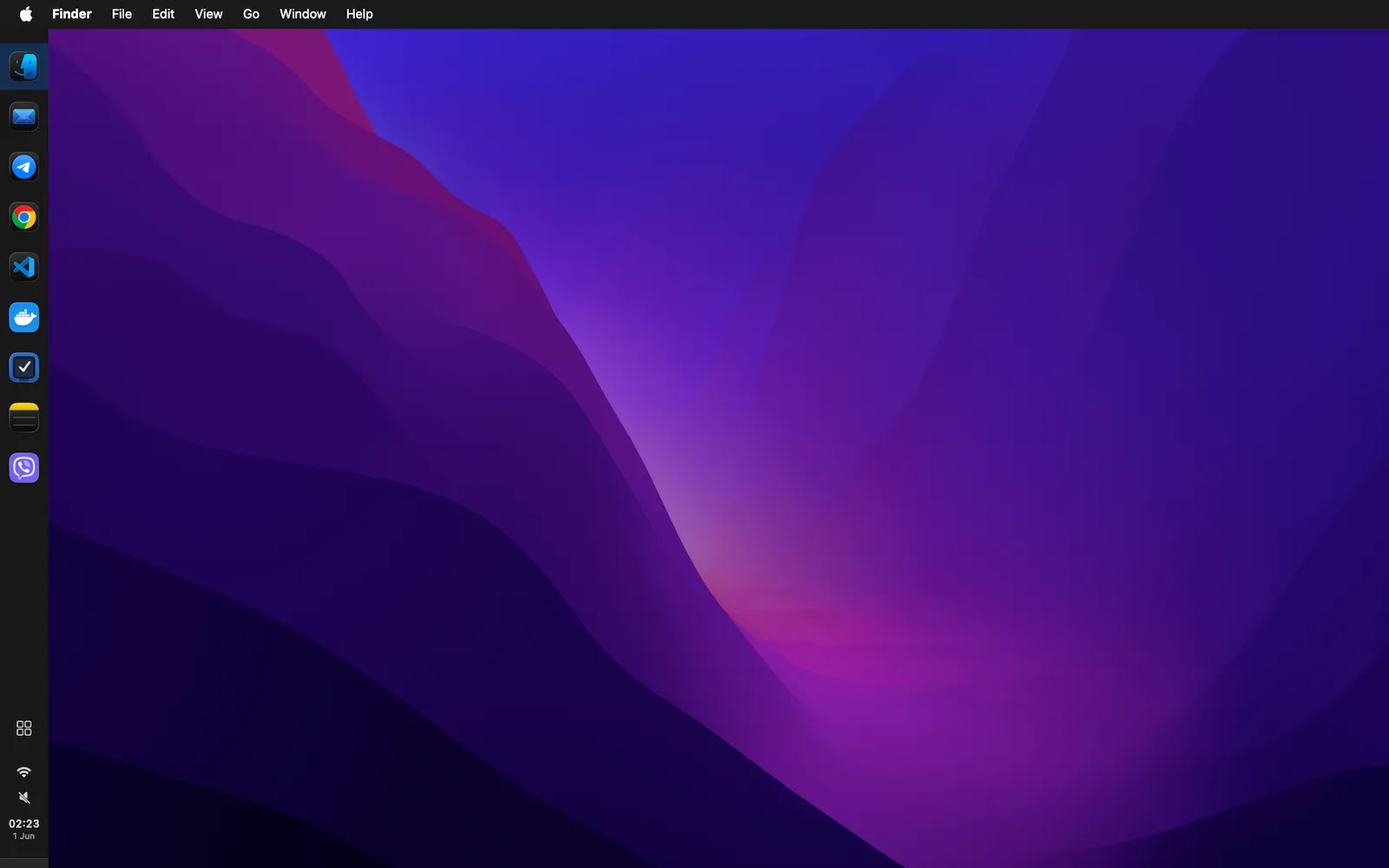
Every running app with an active indicator, plus apps you pin — drag to reorder, drag from Finder to pin.
Adaptive layout
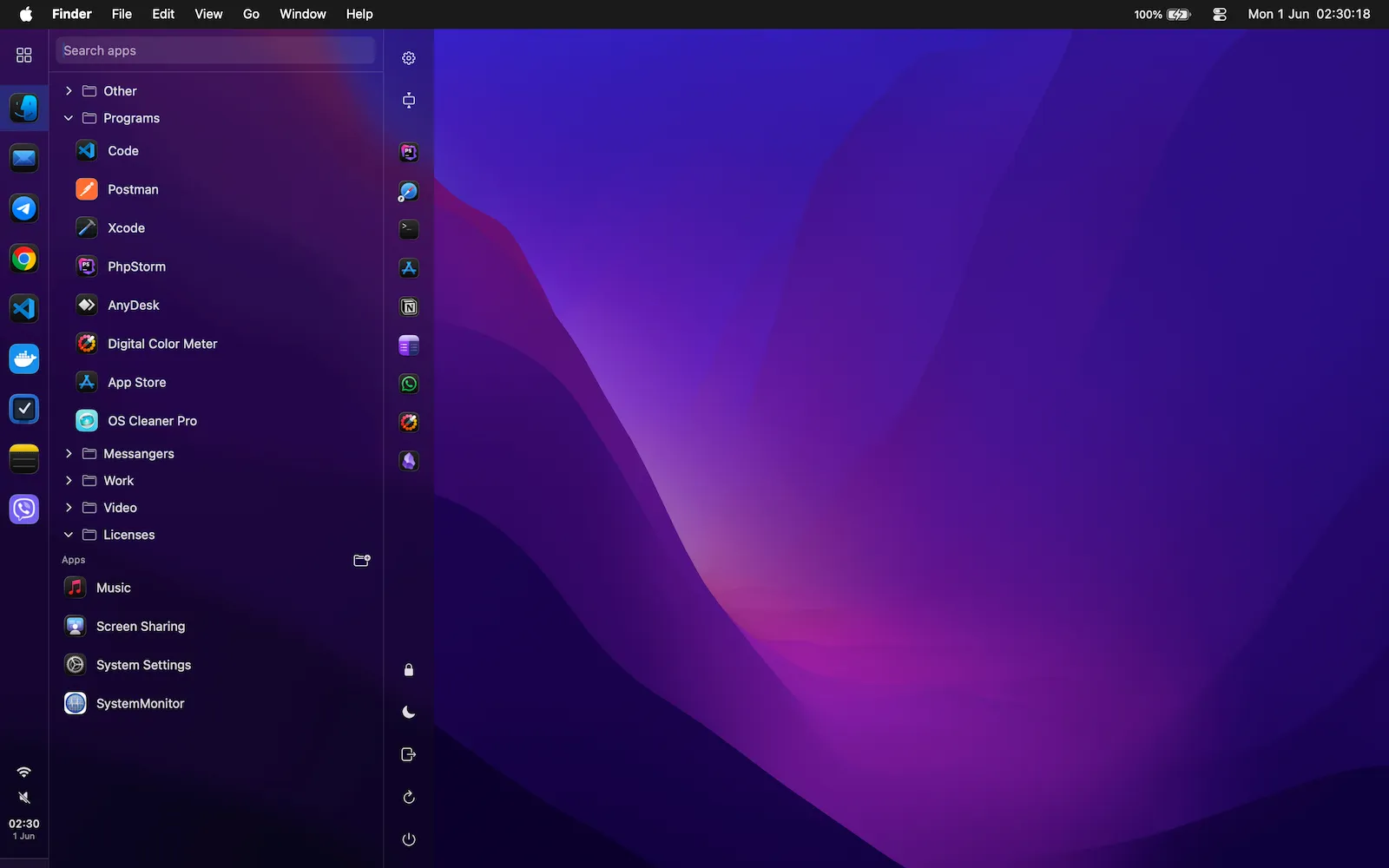
Icons shrink to fit; when the bar is full they spill into a clean overflow popover instead of getting tiny.
Start menu
Searchable app list, custom folders you can rename and fill by drag-and-drop, and quick power actions.
System tray
Clock with calendar, battery, input source, volume, and Wi-Fi — each toggleable.
Window management
Keeps your windows clear of the bar and fits them to the free space — no window hides under the taskbar.
Make it yours
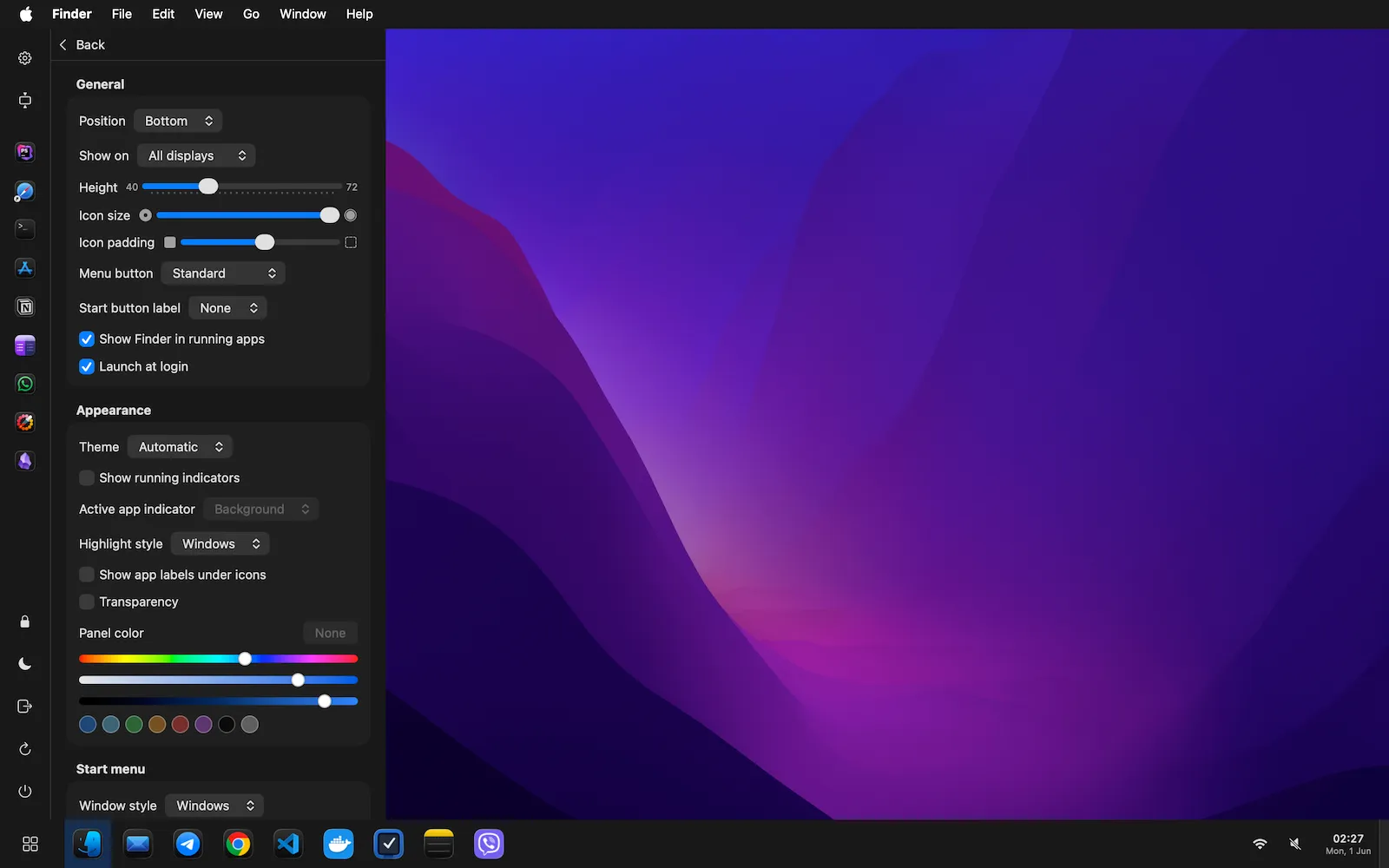
Bottom, top, left or right. Mac or Windows highlight style. Tint, transparency and blur, icon size — all live.
See it in action
FAQ & Help
- Is there a free trial?
- Yes — 14 days, fully featured. After that a gentle reminder appears until you buy; the bar keeps working.
- How do I activate my license?
- Open WinBar → Settings → License, paste the key we email you, and click Activate. A license covers one Mac; you can deactivate it to move to another.
- What permissions does WinBar need?
- Accessibility (to list and manage app windows) and, optionally, Screen Recording (for window previews) and Location (only for Wi-Fi names). They're requested on first use.
- How are updates delivered?
- Automatically via Sparkle — WinBar checks for signed updates and installs them in place.
- Refunds?
- If WinBar doesn't work for you within 14 days of purchase, email us for a refund and we'll revoke the key.
Try it for 14 days
Download, hide the Dock, and make your Mac feel like home. Buy when you’re ready.